


New article
Recently updated
Adding an Item using Ideagen Boards

Who is this article for?
Product and Implementation project team members
Users must have the Ideageb Boards Participant role and access to a User Acceptance Testing (UAT) or Test area.
This article demonstrates how to enter Items, using the Board Item Module.
An item is:
An atomic unit of work such as fixing a bug, config changes, or project tasks
Answers the question "What specific peice of work needs doing?"
Live in exactly one Board
Moves through statuses to completion
Multiple Items are associatd with a Board Requirement to satisfy the requiremet.
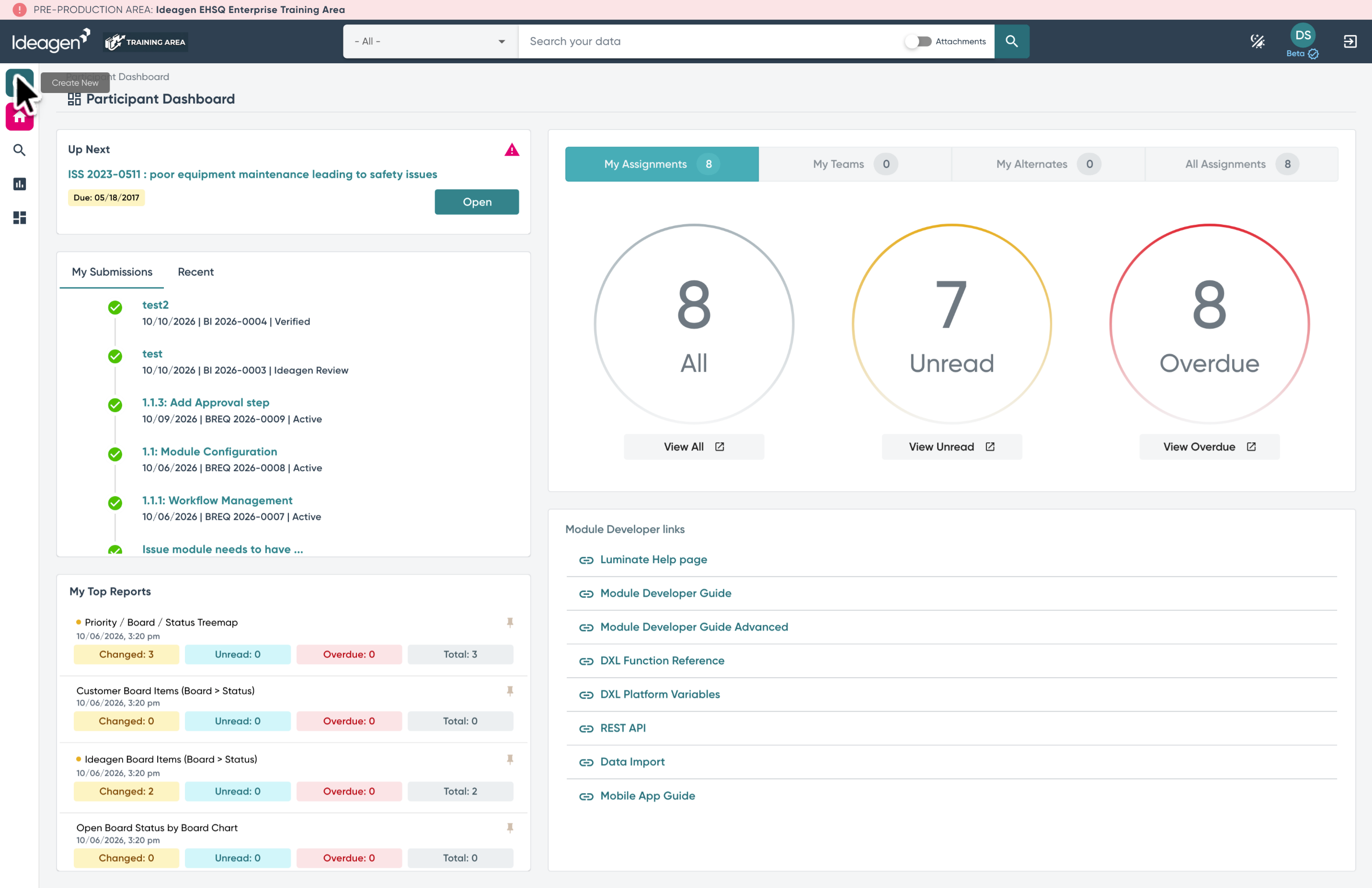
1. Open the Create New menu
Open the Create New menu in the upper left.
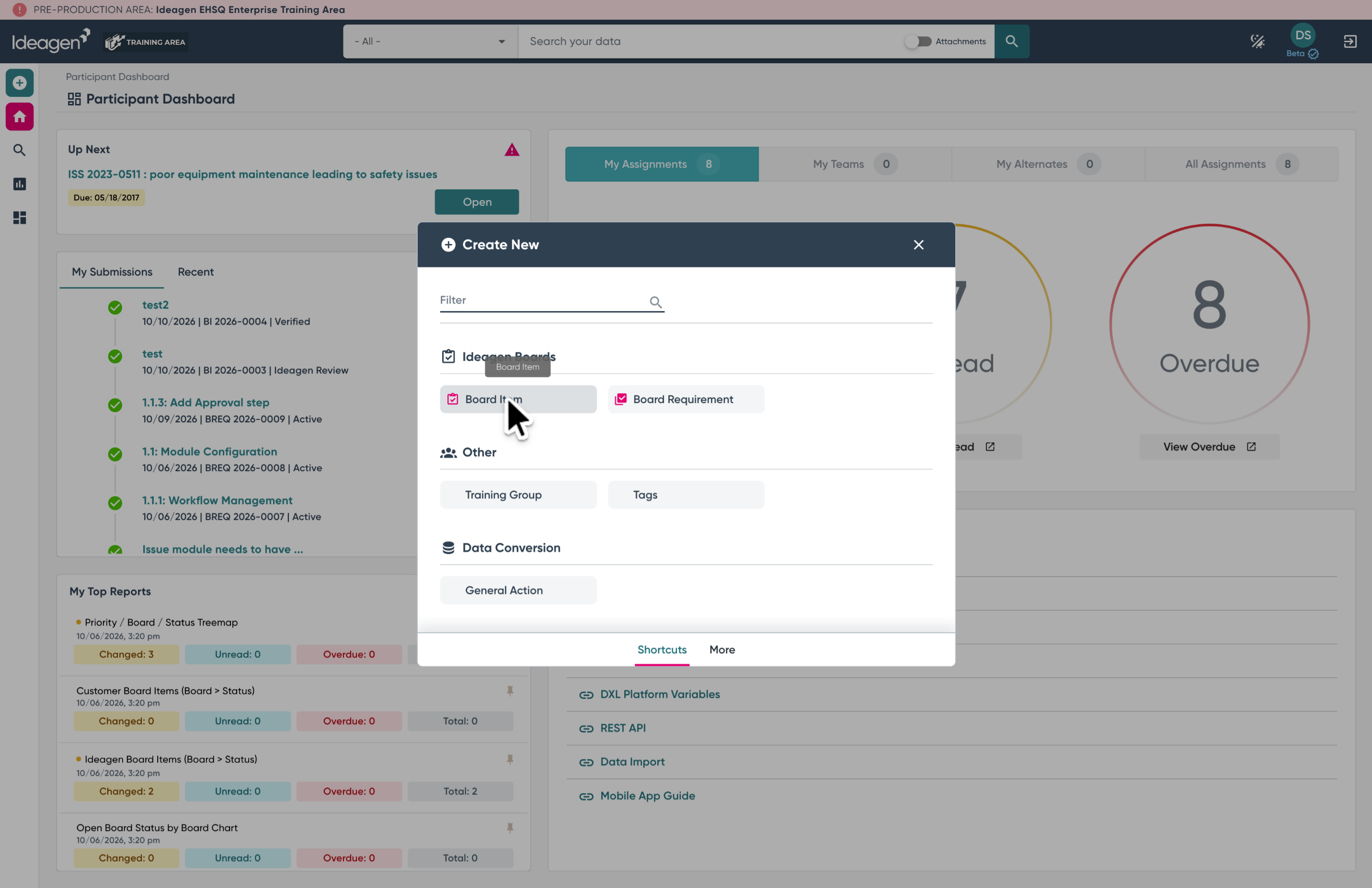
2. Select Board Item
Select Board Item from the Create New shortcuts menu.
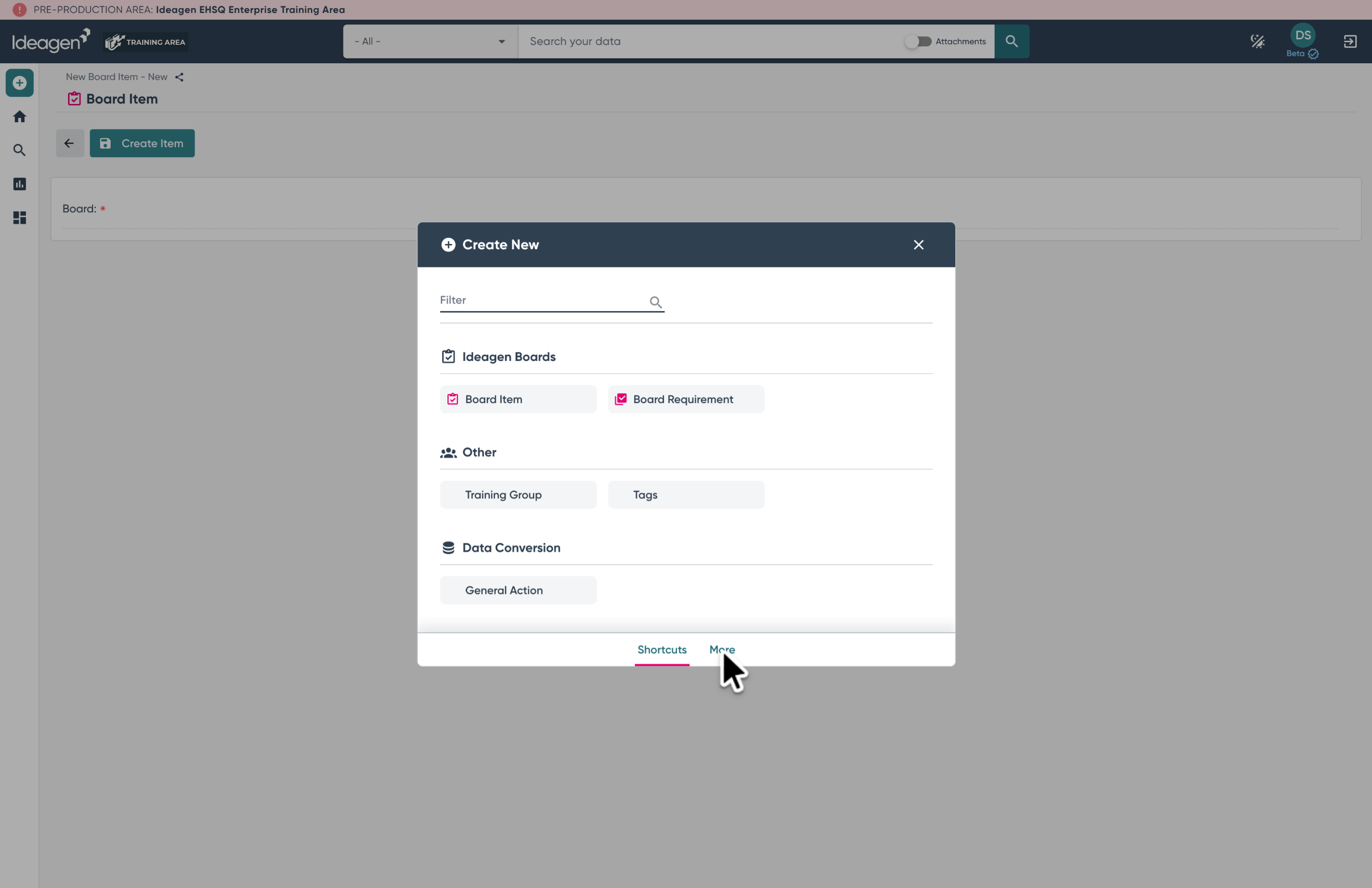
3. Find Board Item via the More option
If a shortcut has not been added to your Create New menu, go to the "More" option, and Find "Board Item" in the list.
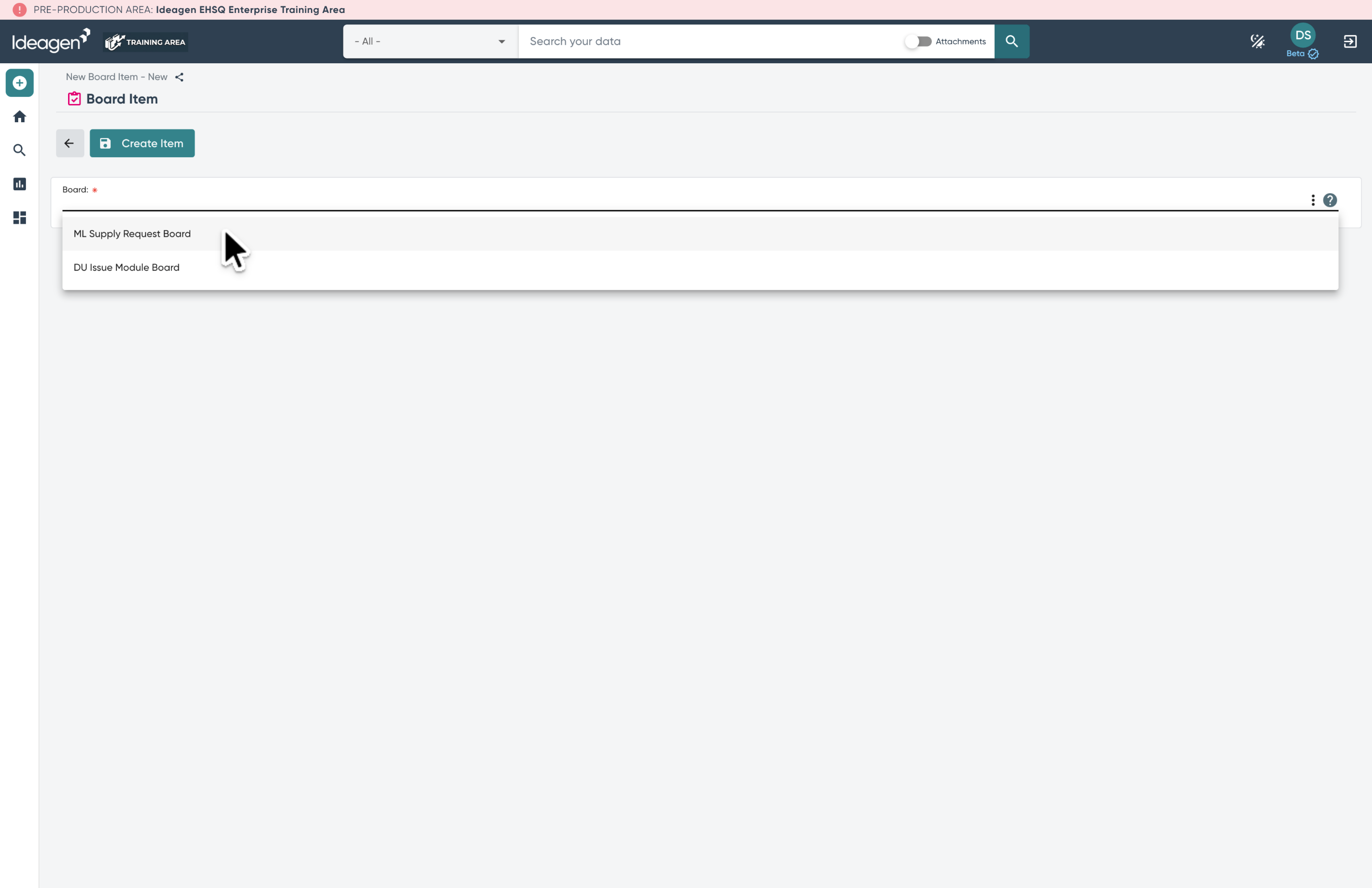
4. Select the Board
Select the board where you wish to create this item. Only active boards will be displayed in the list.
5. Initial Item Status
When a new Item is created it is assigned an initial status. This is usually the status "Ideagen Review".
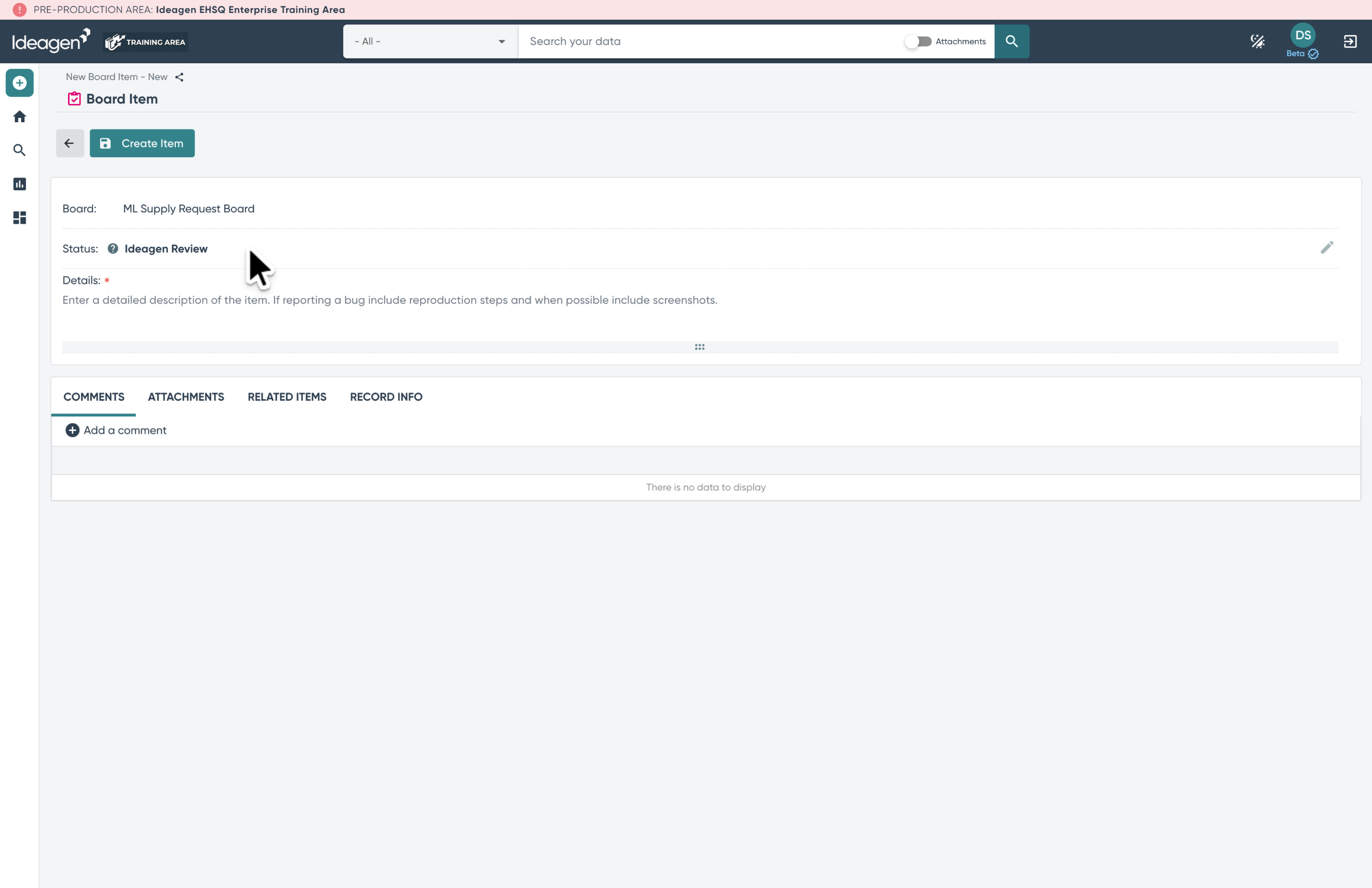
6. Enter Item Detials
Enter the details of the item, including reproduction steps and screenshots if reporting a bug.
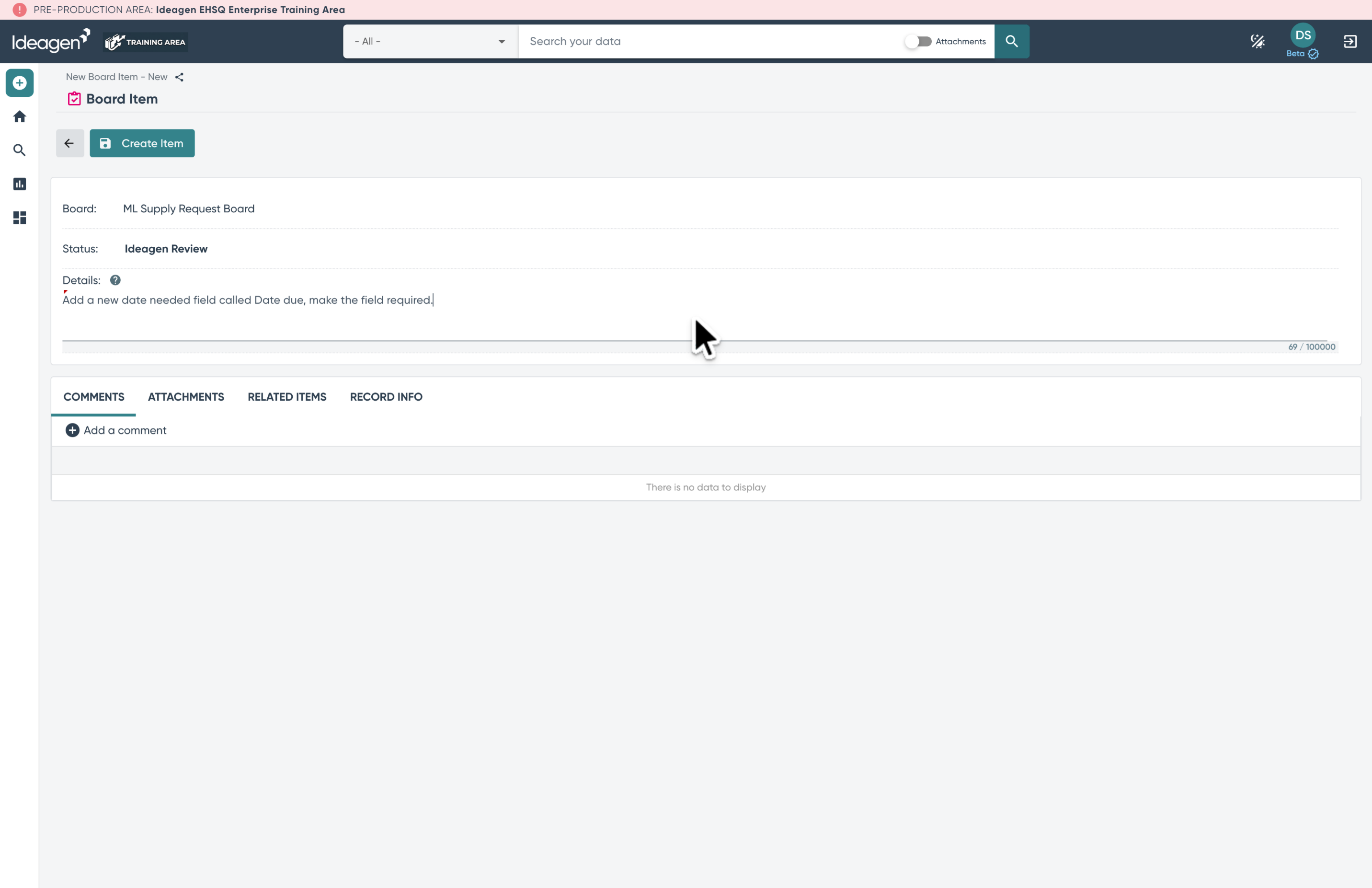
7. Create the Item
Complete the creation process by clicking the "Create Item" button.
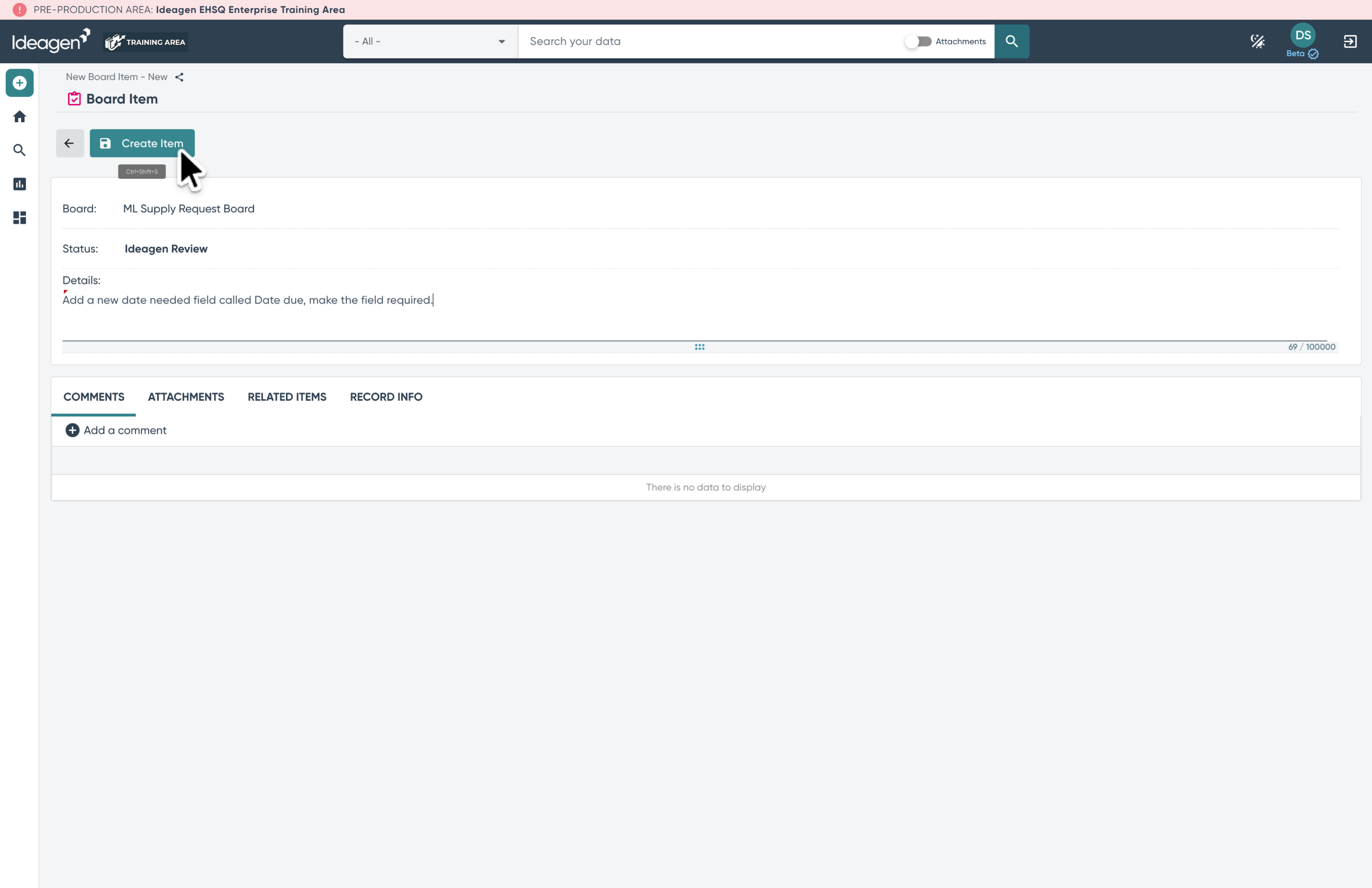
8. Comments Tab
Save updates as changes are made to the item. Use the "Add comment" button to add comments to the item.
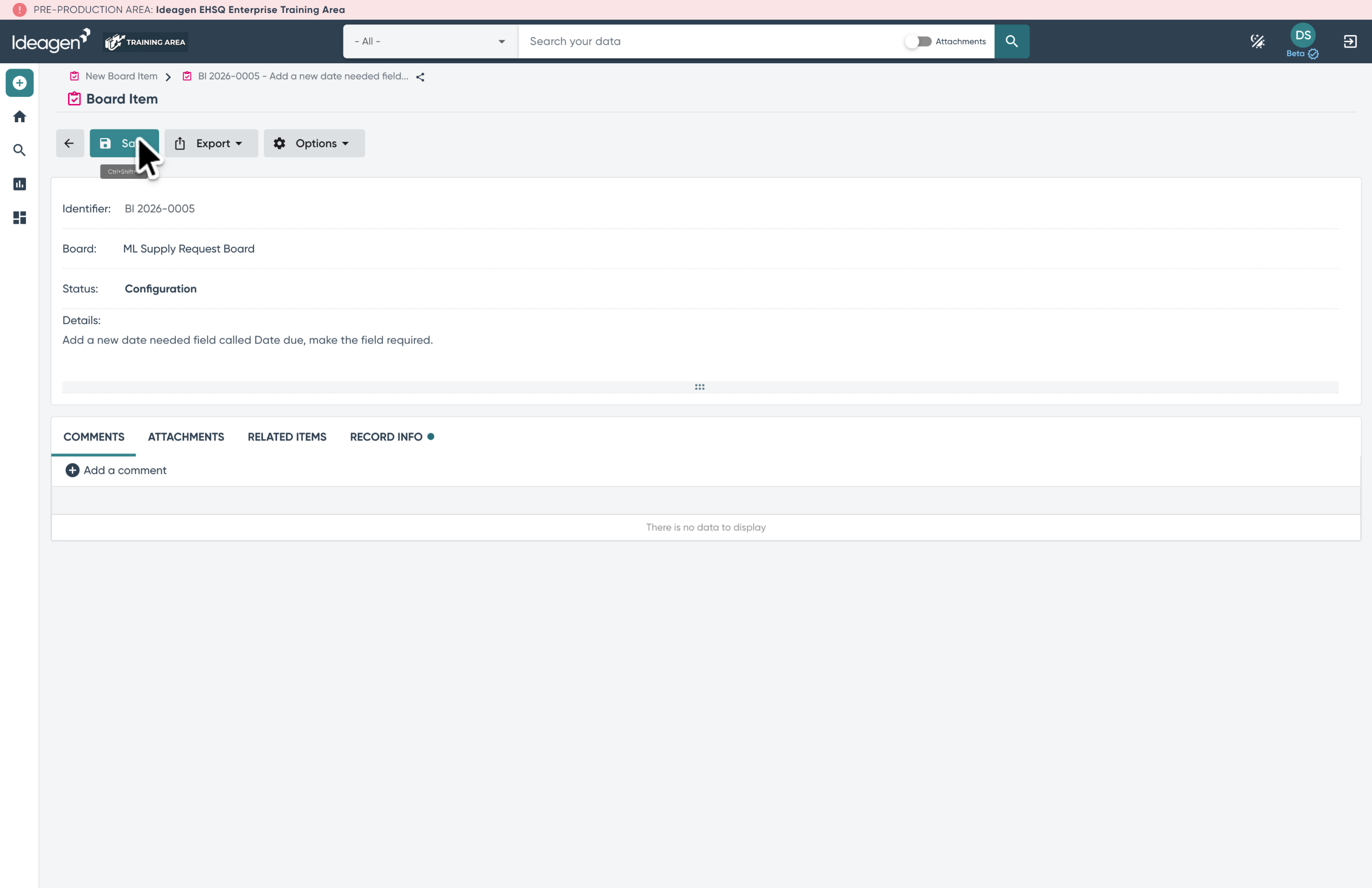
9. Attachments Tab
Open the attachments tab to add or view documents related to the item.
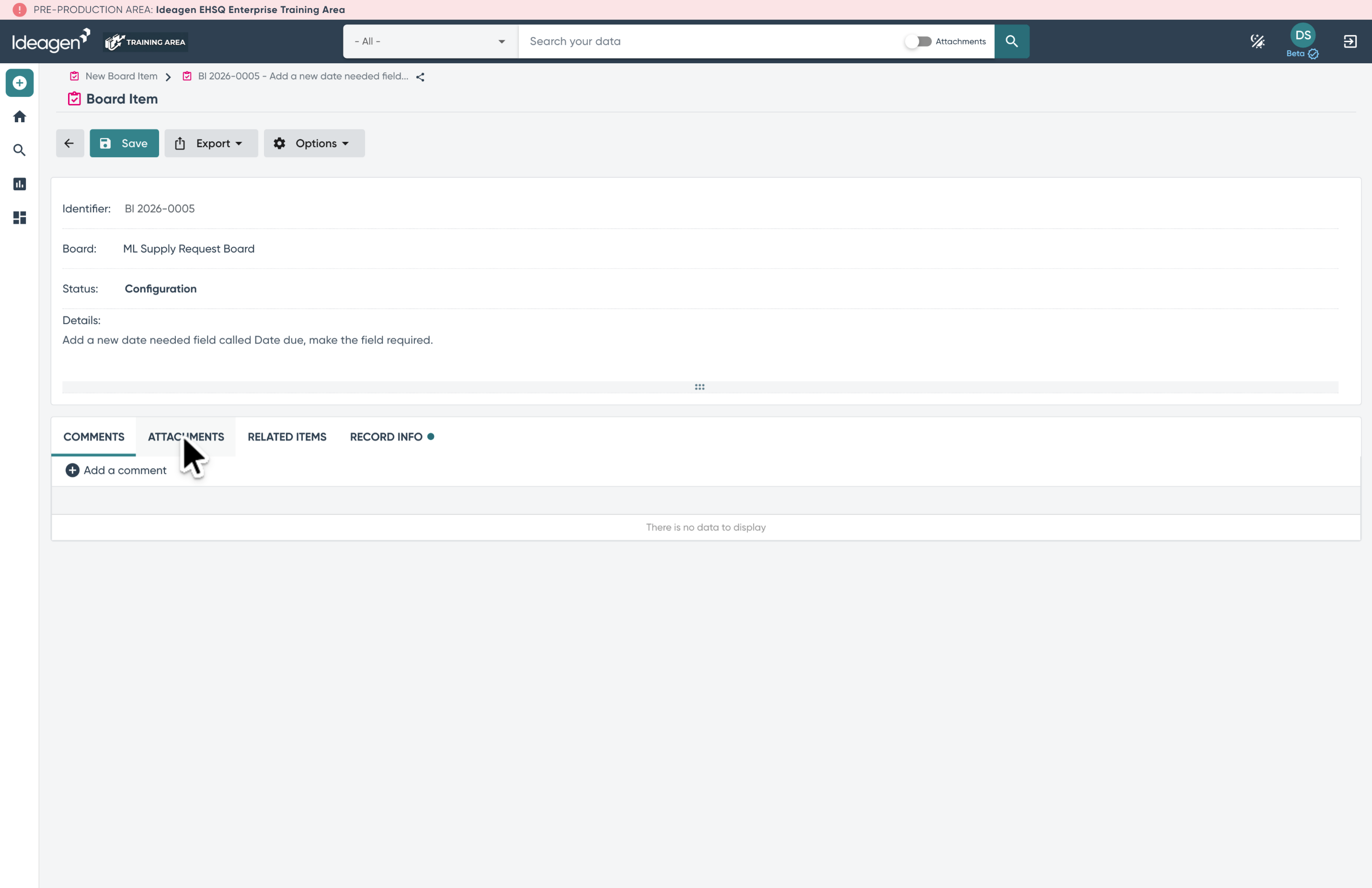
10. Related Items Tab
Use the related items tab to link other items that are connected to this one.
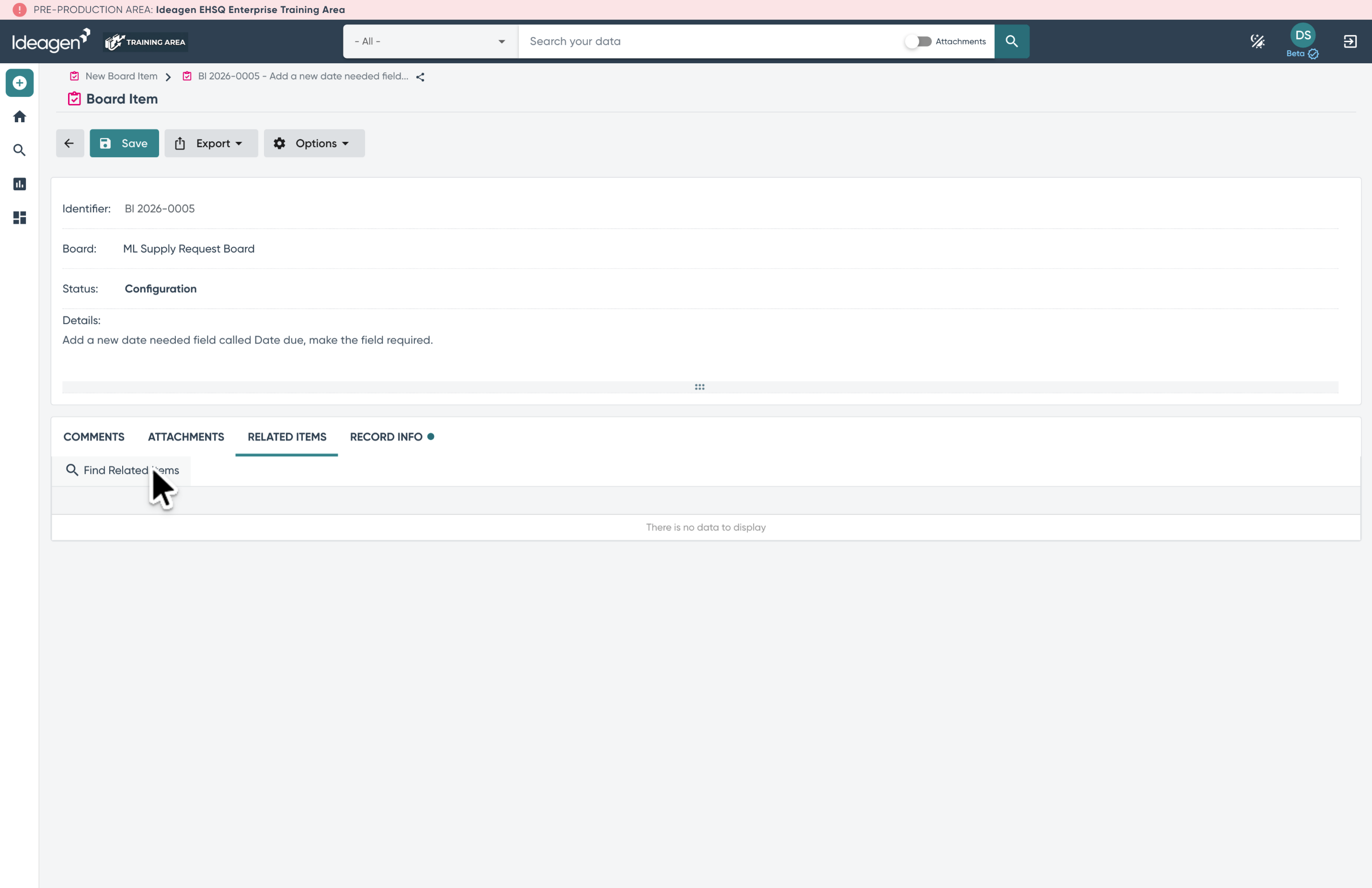
11. Related Item Selection
Search for related items to associate with the current item and optionally add notes for context.
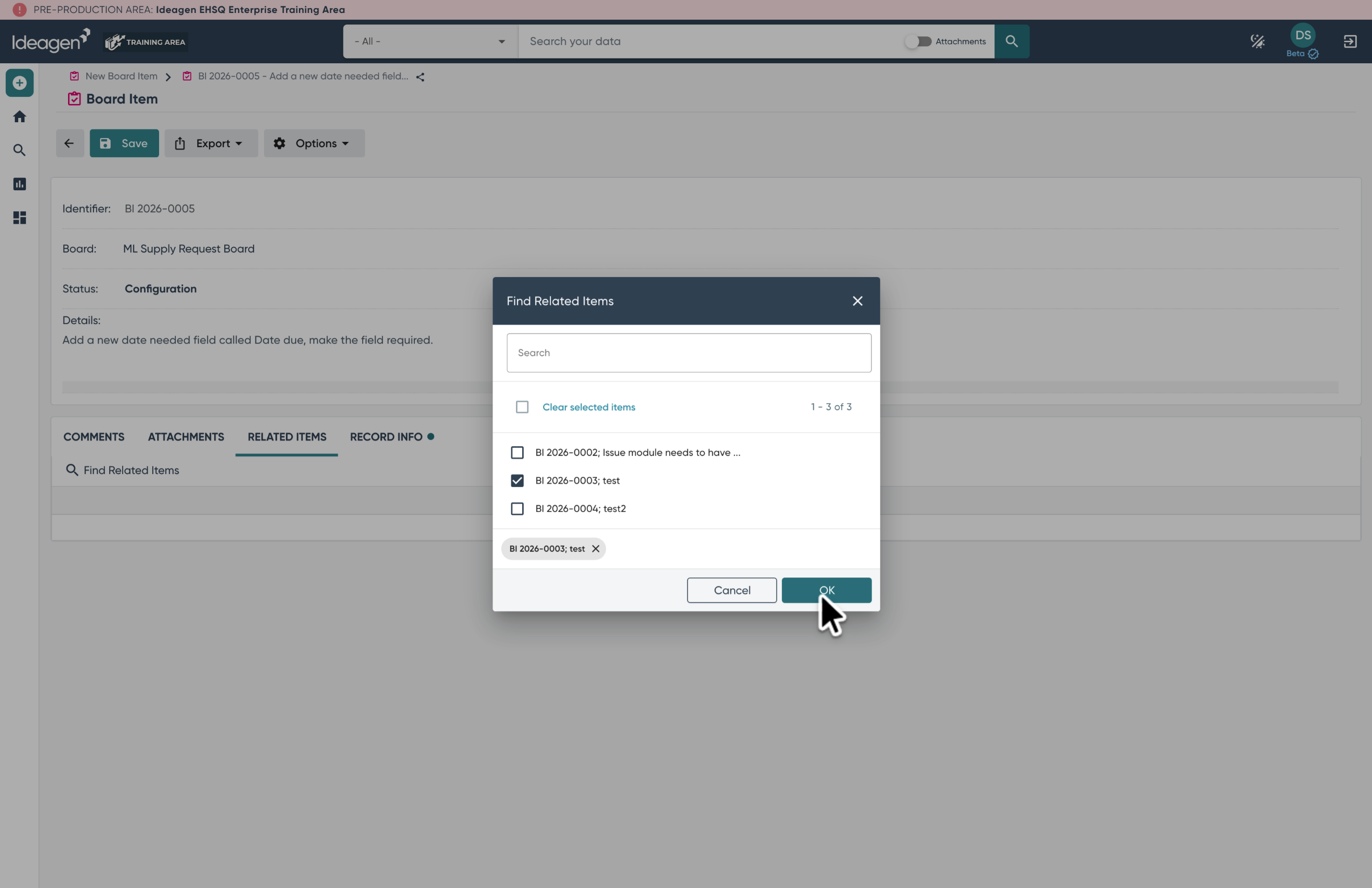
12. Record Information
Access the record Info tab to see details such as project association, last updates, and request history.
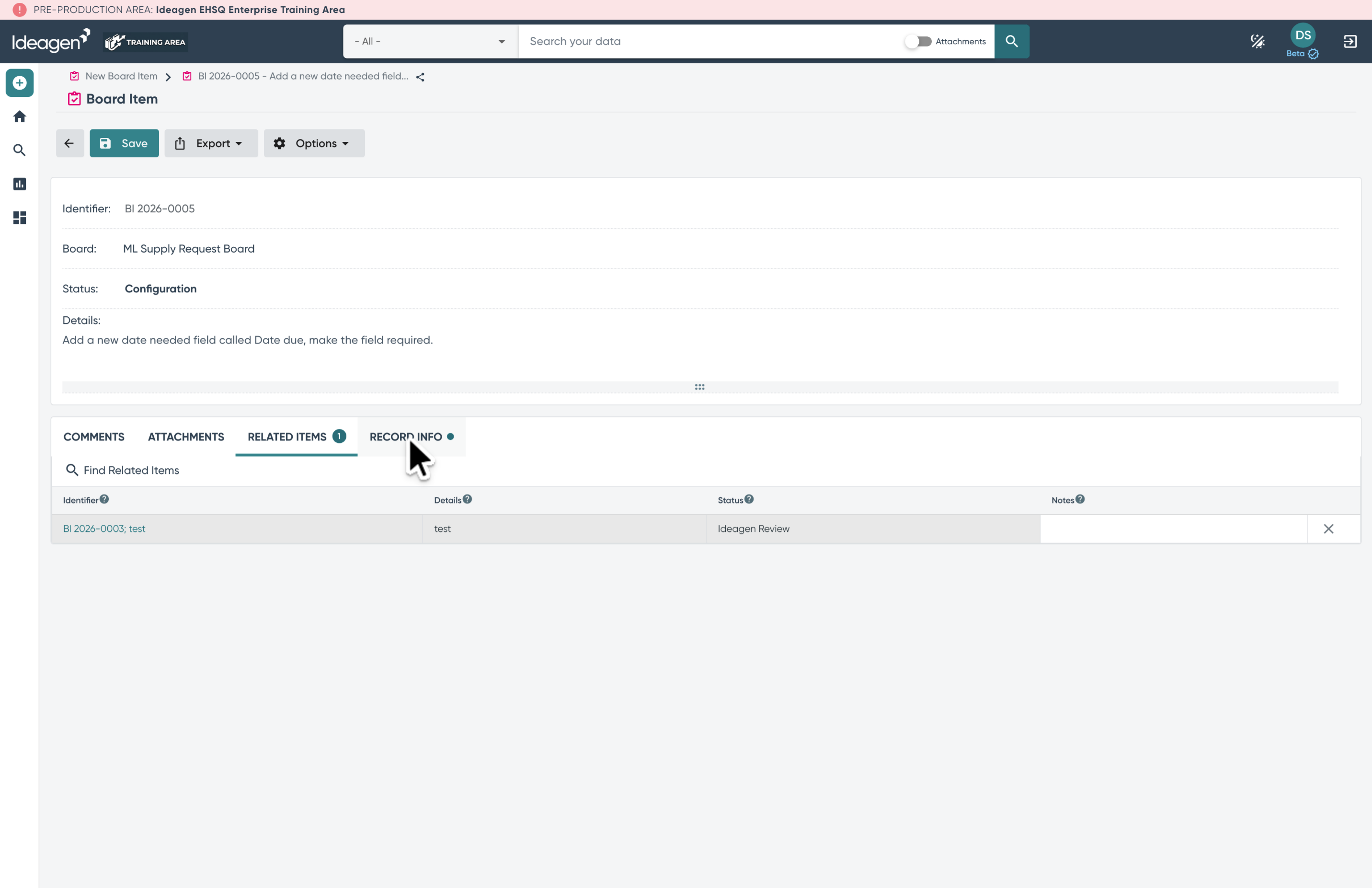
13. Status Updates
Use the status field to reflect the current status of the item.
| Name | Description | Responsibility |
|---|---|---|
| Ideagen Review | The item has been entered on the board and the Ideagen team will review the request. | Ideagen |
| Approved for Work | Ideagen has determined a path forward and is prepared to start configuration work. | Ideagen |
| Configuration | The item is actively being configured in the build area. | Ideagen |
| Updated In Build | Configuration work is done in the build area; the item is ready to be tested. | Ideagen |
| Tested in Build | The item has been tested in the build area and is ready to be promoted to the test area. | Ideagen |
| Customer Verification | The item has been moved into the test area and is waiting for the customer to review the configuration changes. | Customer |
| Verified | The item has been verified in the customer test area and is complete. Board Administrators can reopen verified items. | Closed |
| Customer Clarification | The item is NOT complete but requires the customer to provide clarification, Use comments to track updates. | Customer |
| Acknowledged - Not Approved for Work | The item is being tracked but will not be completed at this time. Board administrators can reopen these items. | Closed |
| Acknowledged - Pending Implementation | The item is being tracked but may require work outside the project scope to complete. Board administrators can reopen these items. | Ideagen |
Each status has an associated "Responsibility" as shown in the reporting section, and is tracked in the Activity Log as part of the status update.
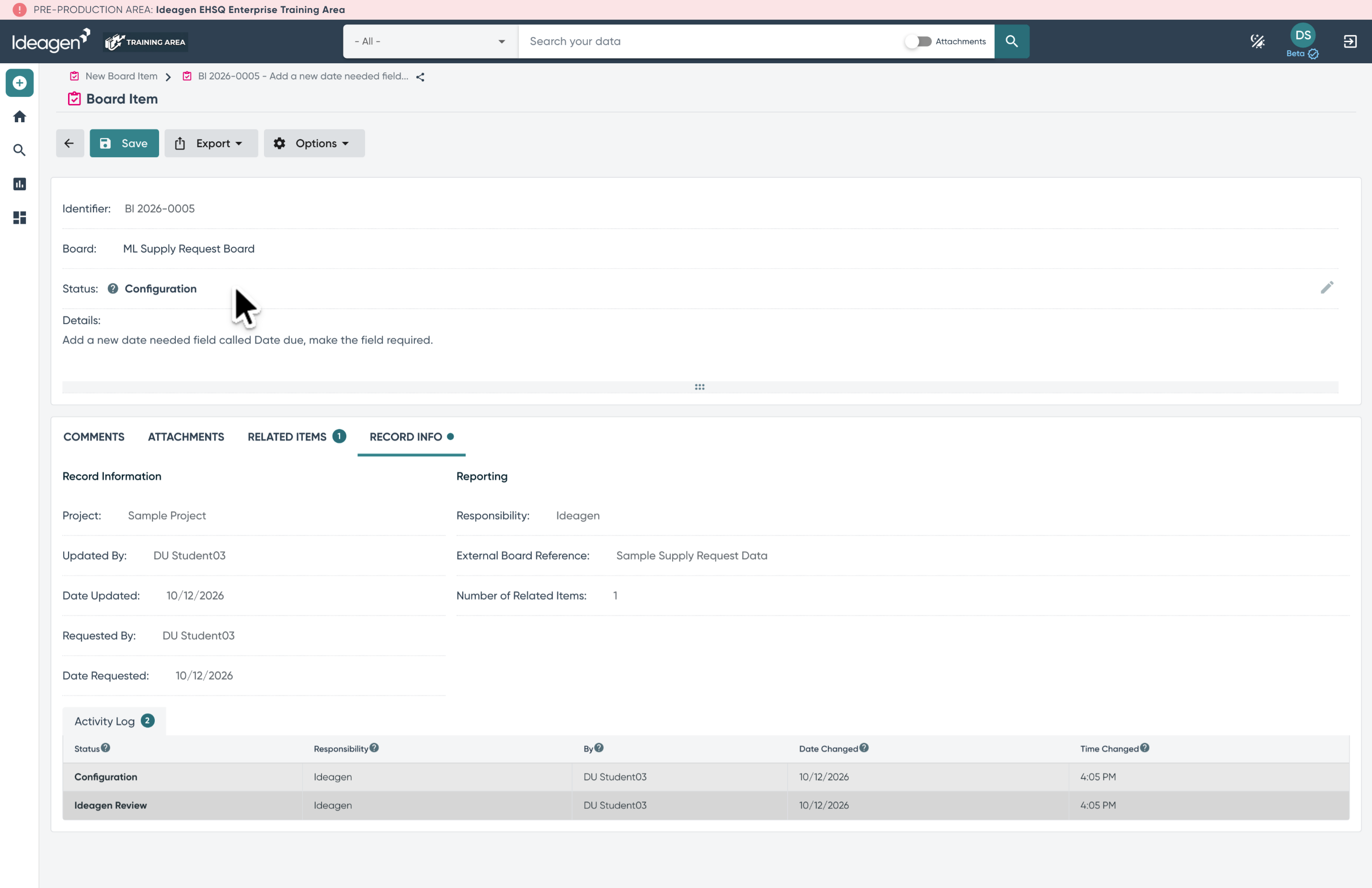
14. Differences for each Board
Each board can be customized to include various fields for tracking specific information relevant to that board.
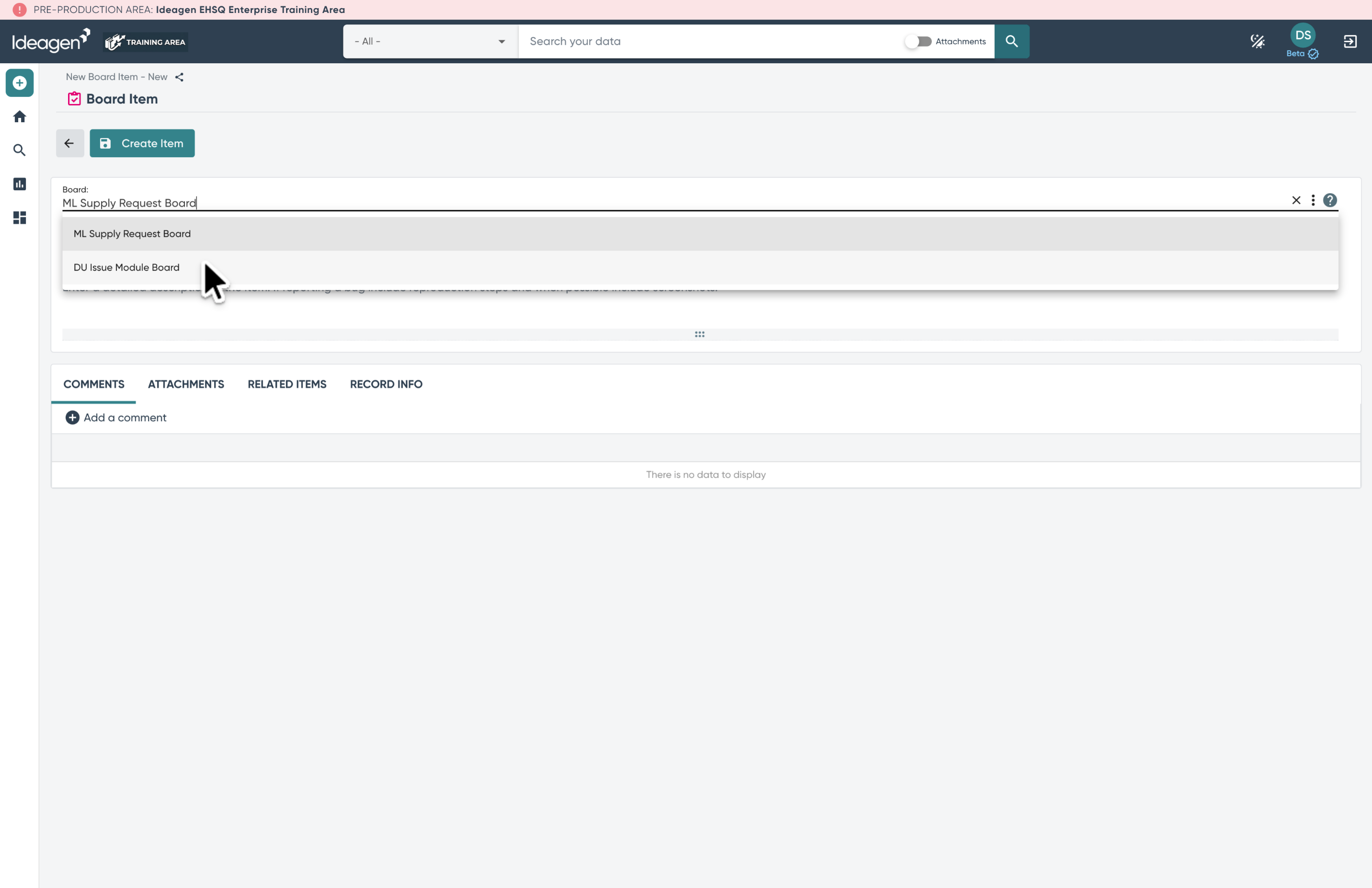
15. Additional fields
In this example the selected board has additional detail fields configured which will display on the right side of the Item.
On this board some fields are optional such as Priority, Category, Level of Effort, and some are mandatory like the Primary Requirement.
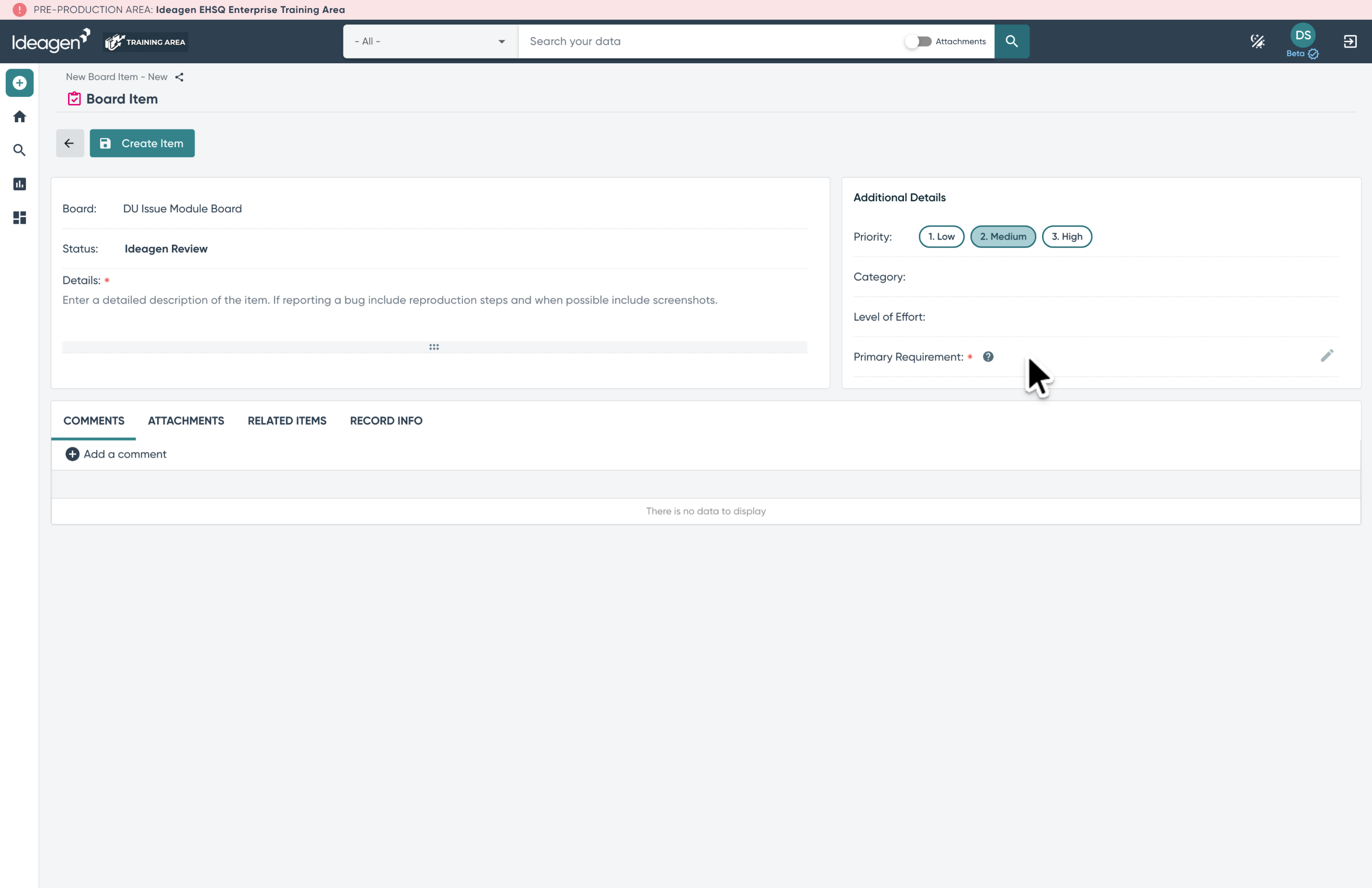
16. Adding a Primary Requirement association
Click into the Primary Requirement field to select the requirement to associate this item with.
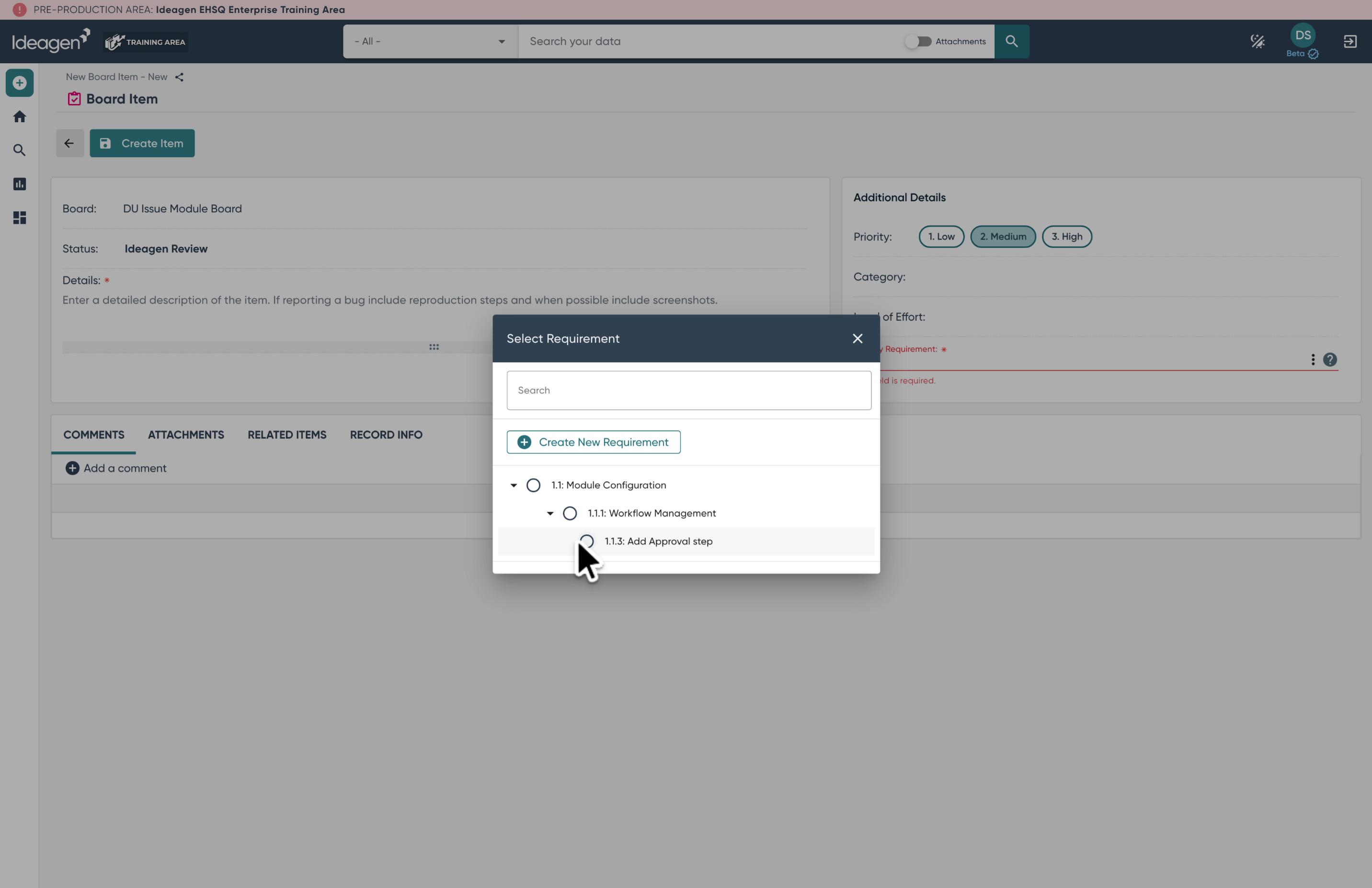
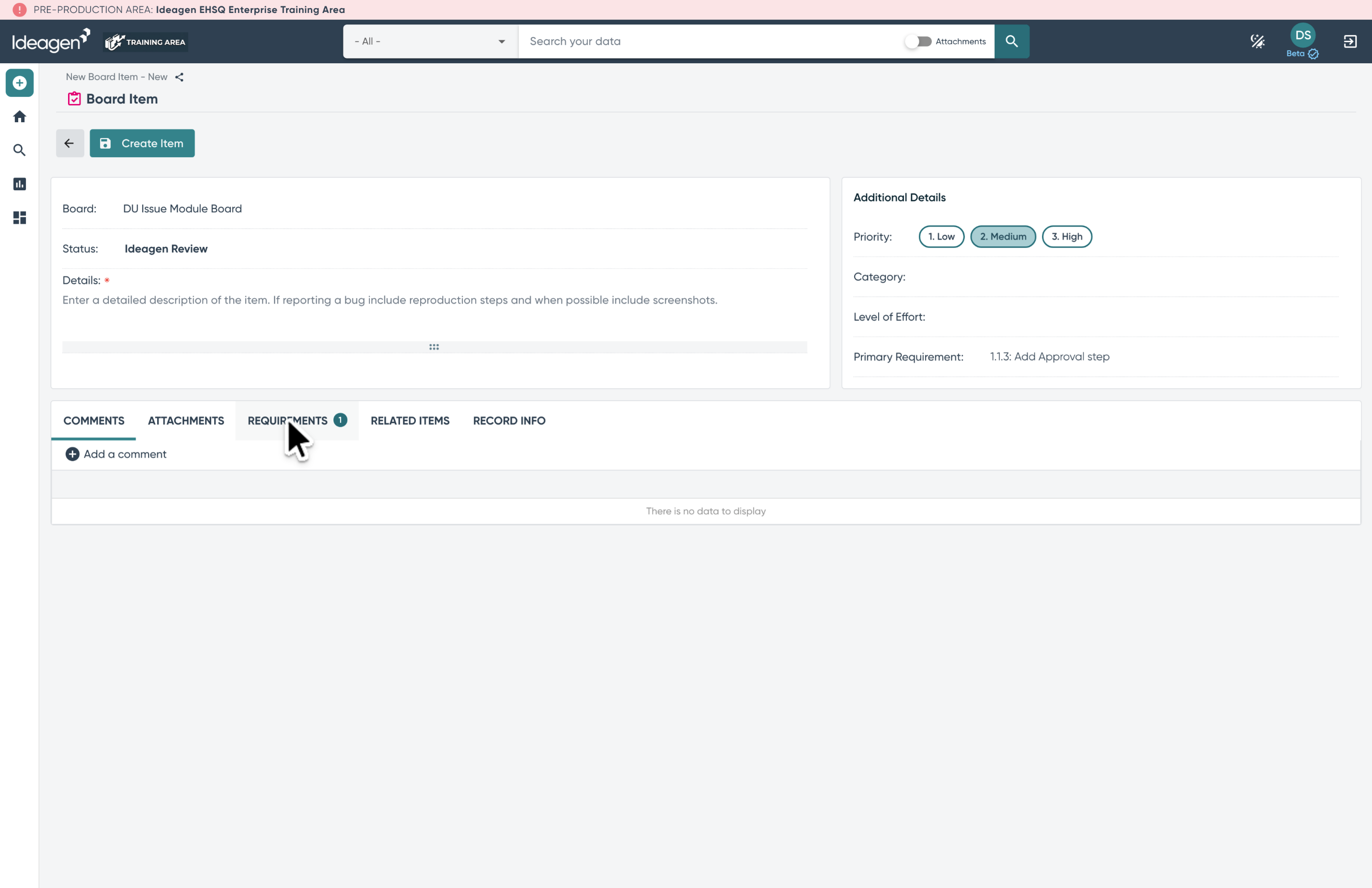
17. Requirements Tab
Once a Primary Requirement is set you can open the requirements tab to view or add additional requirements.
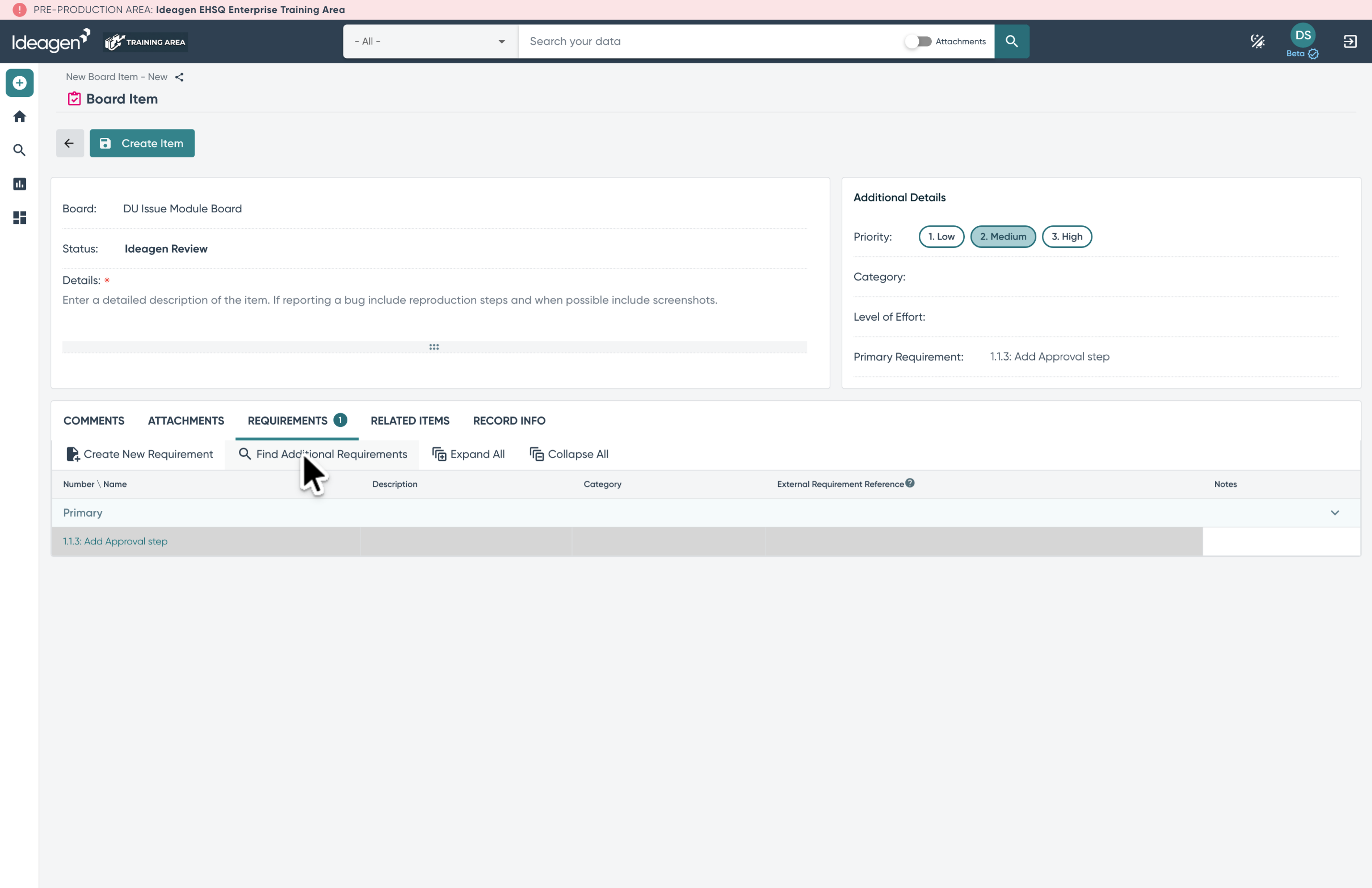
18. Find and add Additional Requirements
From this tab you can search for or add any additional requirements that apply to the item.
To learn more please refer to the help articles: